Direct answer
Start the College Football 27 Dynasty offseason at End of Season Recap by reading the refreshed Dynasty Point budget, reviewing Roster NIL and risk of leaving, and deciding whether a facility tier change is sustainable. Protect the players who are hardest to replace before funding transfer offers, remember that major facility upgrades remain under construction until the following preseason, and carry a written support-staff plan into preseason. This sequence is our recommendation; EA confirms the calendar and systems, not one universally best spending order.
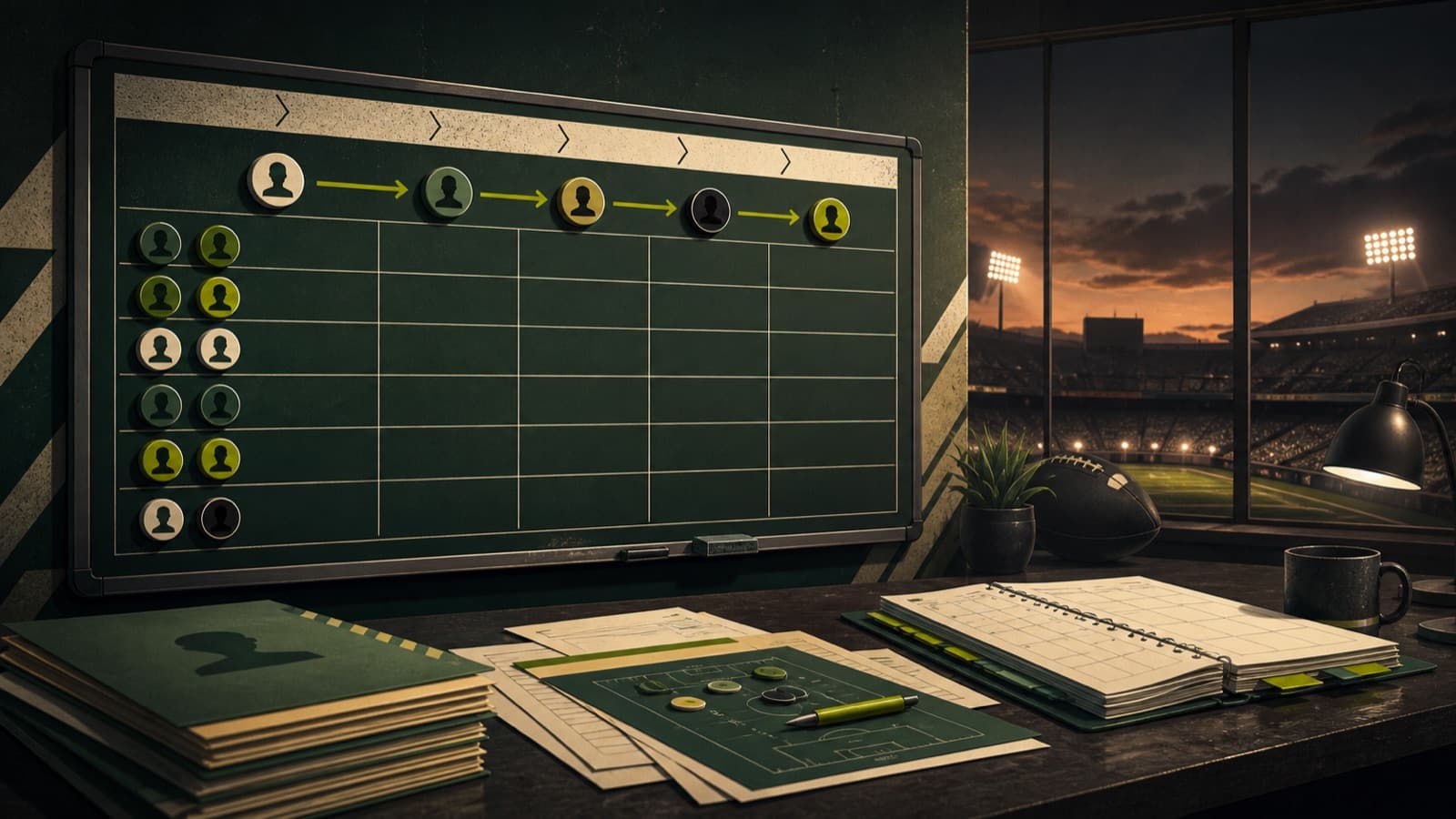
Anonymous markers visualize a recommended planning workflow, not real recruits, rankings, or schools.
Read the refreshed budget before allocating it
The annual Blueprint budget refreshes during End of Season Recap. Its baseline reflects school grades that EA identifies as Conference Prestige, Brand Exposure, Stadium Atmosphere, and Program Tradition, while qualifying Athletic Director goals and major season accomplishments can add payouts. Unused Dynasty Points do not roll into the next year. The August 6 update added a week-summary screen that shows the new budget and changes from the prior year, giving the offseason a clearer starting record.
Our recommendation is to stop on that summary and write down three numbers: the refreshed pool, already committed obligations, and the balance that is truly flexible. A large headline budget can be misleading when Roster NIL, facility maintenance, or earlier staff commitments already consume part of it. Do not spend merely because points expire; attach each flexible point to a defined retention, transfer, facility, or preseason staff outcome before advancing.
- Record the budget refresh and year-over-year change shown at End of Season Recap.
- List maintenance and existing commitments before labeling any points available.
- Assign the flexible balance to named decisions, not an untracked reserve.
Resolve roster retention before shopping for replacements
Roster NIL is managed during End of Season Recap. The screen shows each player's expected and current NIL amounts and includes a risk-of-leaving view. Increasing a player's NIL can reduce the chance of departure, while decreasing it raises that risk. After the week advances, Players Leaving shows who intends to transfer or enter the draft, and the game provides a final persuasion opportunity. The August update also added NIL as a visible reason in the leaving table.
Our suggested retention board has three groups: players whose role is difficult to replace, players whose departure can be covered internally, and players whose cost would block several higher-priority needs. This is editorial strategy, not an EA formula. Use the actual expectation and risk fields in your save, then decide how much certainty each player is worth. A famous name is not automatically the best use of a limited pool if the depth chart already has a ready successor.
- Use the in-game expected NIL and risk-of-leaving fields as the current evidence.
- Prioritize replacement difficulty and role, not reputation alone.
- Recheck Players Leaving after advancing and read the stated departure reason.
Use the transfer window to repair the depth chart
Transfer recruiting uses Recruiting NIL in a condensed window. EA says transfer motivations are already visible, so this stage does not require uncovering motivations in the same way as high-school recruiting. The practical task is to understand what the player values, present the program, and make an NIL decision before the window closes. Any transfer offer still competes with retention, facilities, and other Blueprint costs for the same finite annual resources.
To keep this offseason guide distinct from the full recruiting guide, use a needs-only transfer brief. After retention resolves, mark positions with no credible starter, positions that need one playable rotation piece, and positions that can wait for internal development. Our recommendation is to pursue the first group before adding luxury depth. Then open the game's transfer information and evaluate the players actually available rather than planning around an assumed portal roster.
- Update the depth chart after retention and final leaving decisions.
- Define urgent, rotational, and deferrable needs without ranking portal players yet.
- Evaluate visible transfer motivations and current NIL expectations in the save.
- Stop at the preassigned ceiling when the wider Blueprint cost becomes too high.
Make one sustainable facility decision
Facility upgrades and downgrades occur during End of Season Recap, and the tier can be changed once per year. An upgrade remains under construction through the offseason and becomes available during the following preseason. Higher tiers carry higher annual maintenance costs; failing or choosing not to pay can lower the facility by one tier. A voluntary downgrade can reduce maintenance and release points for other parts of the Blueprint.
Our recommendation is to evaluate the next two payments, not only the current upgrade price. Ask whether the refreshed baseline can maintain the tier if this year's performance bonus does not repeat. Also compare the tier's grade range and equipment capacity with the roster development plan. A permanent maintenance burden is harder to reverse than a temporary equipment choice, so a lower-cost year can be a deliberate roster-building decision rather than a failure to progress.
The August 6 update added an explicit warning that removing equipment does not return Dynasty Points and fixed a facility-longevity equipment issue. It also corrected CPU first-year equipment purchases that did not improve Athletic Facility Grade. Those notes reinforce a conservative review: inspect what is already installed, its remaining value, and the absence of a refund before removing or replacing anything. Do not assume that clearing a slot restores the original purchase currency.
- Confirm the tier change and its annual maintenance cost before advancing.
- Expect an approved upgrade to remain unavailable until preseason.
- Read equipment removal as non-refundable unless the current game explicitly says otherwise.
Separate coordinator decisions from support staff
The staff calendar crosses the offseason boundary. Coordinators are handled earlier: a head coach can address extensions or dismissals during Conference Championship Week and hire through the Bowl Season carousel. Support staff cannot be changed in Bowl Season; they are hired and fired during preseason and then lock for the year. A head coach therefore enters the offseason with the coordinator situation largely settled but still needs to reserve a preseason support-staff plan.
Support-staff capacity is tied to Team Prestige at one slot per prestige level, up to five. EA lists effects that can reduce other support-staff costs, lower NIL expectations, add weekly recruiting hours, improve offseason progression, or increase annual fundraising. Staff tiers strengthen those effects at higher Dynasty Point costs, and the same staff type cannot simply be stacked. Choose the effect that solves a documented constraint instead of buying the highest tier by default.
Our suggested handoff note names each open support-staff slot, the desired effect, and the maximum points available after retention, transfers, and facility decisions. This is planning advice. It prevents the preseason lock from arriving as a surprise and keeps the intended hire connected to an actual weakness. Online Dynasty players should also review any CPU-managed starting state shown in their save rather than assuming every inherited staff expense is permanent.
Hand the completed plan into preseason
Preseason is the operating handoff for the next year. A facility upgrade selected at End of Season Recap becomes available then, support staff can be hired or fired, and facility equipment can be purchased. The August update moved newly awarded Athletic Director goals to preseason instead of Week 0; if a goal is no longer possible, the game can replace it after advancing from preseason to Week 0. Read those goals before finalizing discretionary spending because they define how the coming season will be evaluated.
Use a final reconciliation before advancing: refreshed budget, retained players, confirmed departures, transfer additions, facility tier and maintenance, coordinator status, open support-staff slots, and new goals. Our recommendation is to leave no unexplained point balance. Because unused points do not roll over, any remainder should have a named preseason use, but it should not be spent until the target screen confirms the cost and effect.
- Verify the completed roster and all remaining open needs.
- Confirm the facility status and current maintenance obligation.
- Read the new preseason Athletic Director goals before the support-staff lock.
- Hire or remove support staff, review equipment, and record the final Blueprint balance.